What Krew does
Eight parts of the working day, in one app your team already has in their pocket.
Time clock
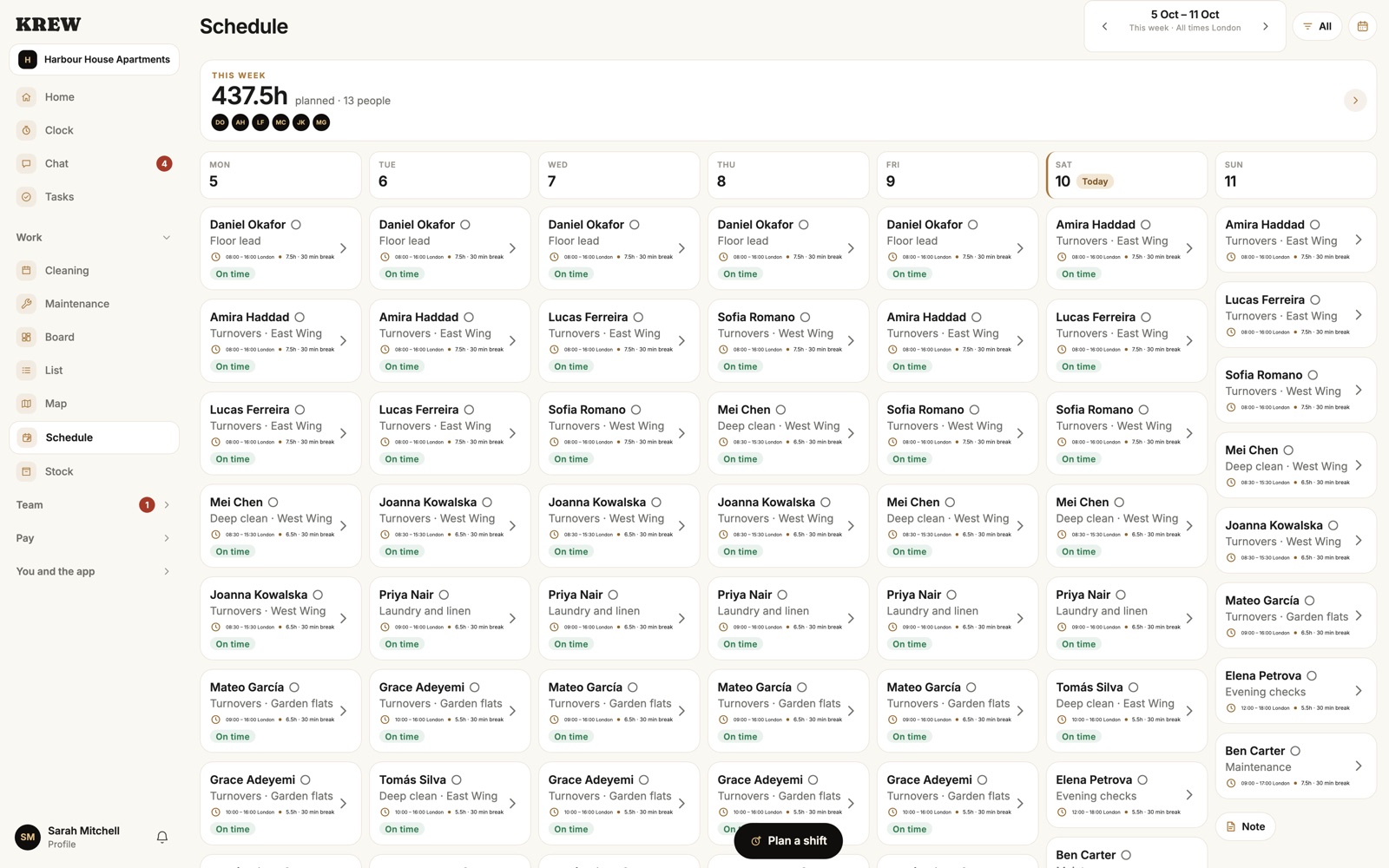
Clock in where the work is
What you get
- One tap to clock in and out, with the place recorded
- Long shifts flagged as they happen
- Late or missed clock-ins show up for the office
- No signal? The clock-in is kept and sent when it returns
For the floor
Schedule
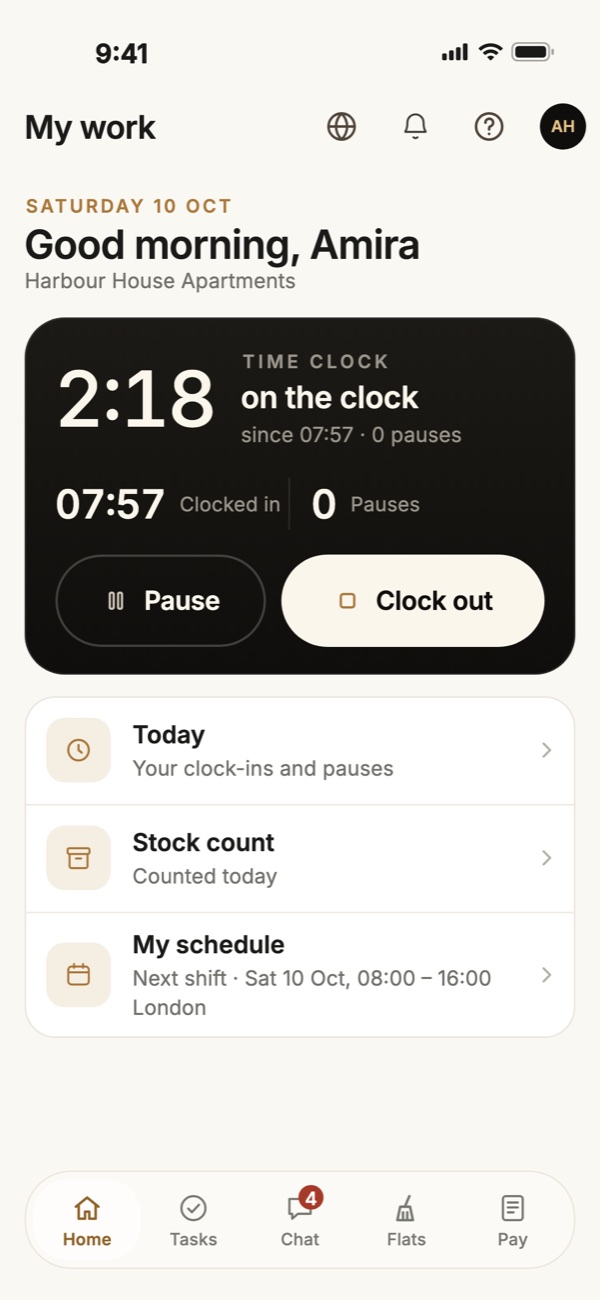
Plan the week, publish it once
What you get
- A week grid of shifts for every person
- Publish and everyone sees their own shifts
- Time off requests approved or declined from the office
- Repeating shifts, set up once
For the office
Cleaning rounds
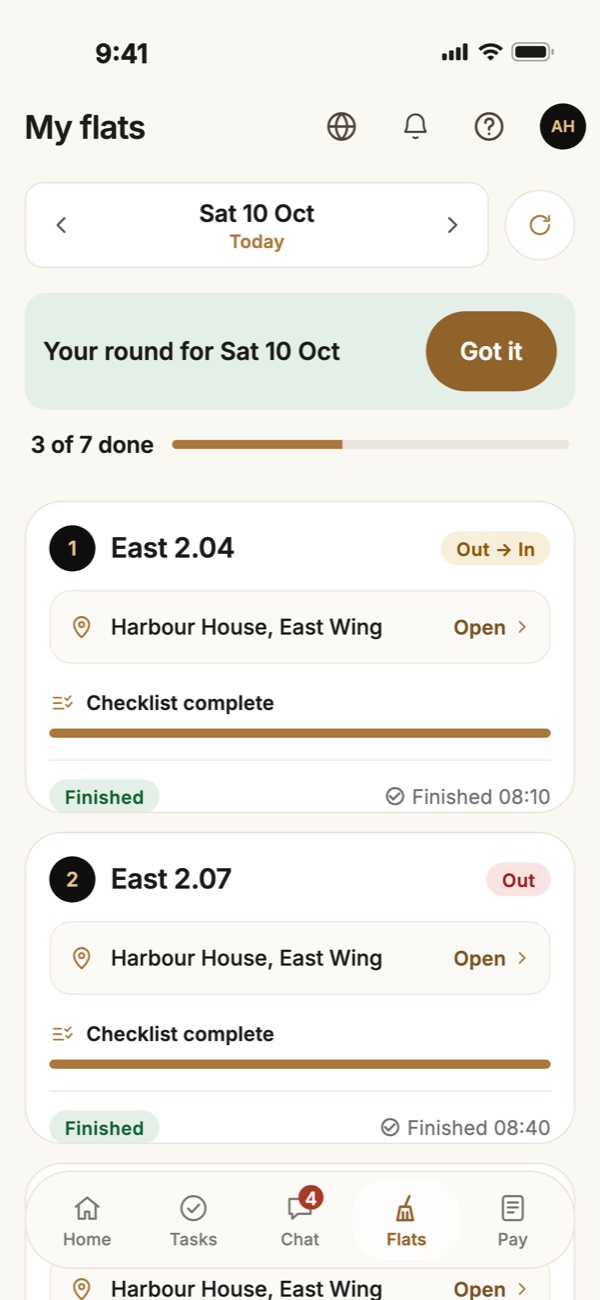
Every flat, in the right order
What you get
- The day's flats listed in the order to clean them
- A checklist for each flat, ticked as you go
- Photos attached when the flat is finished
- The office sees each flat finished as it happens
For the floor
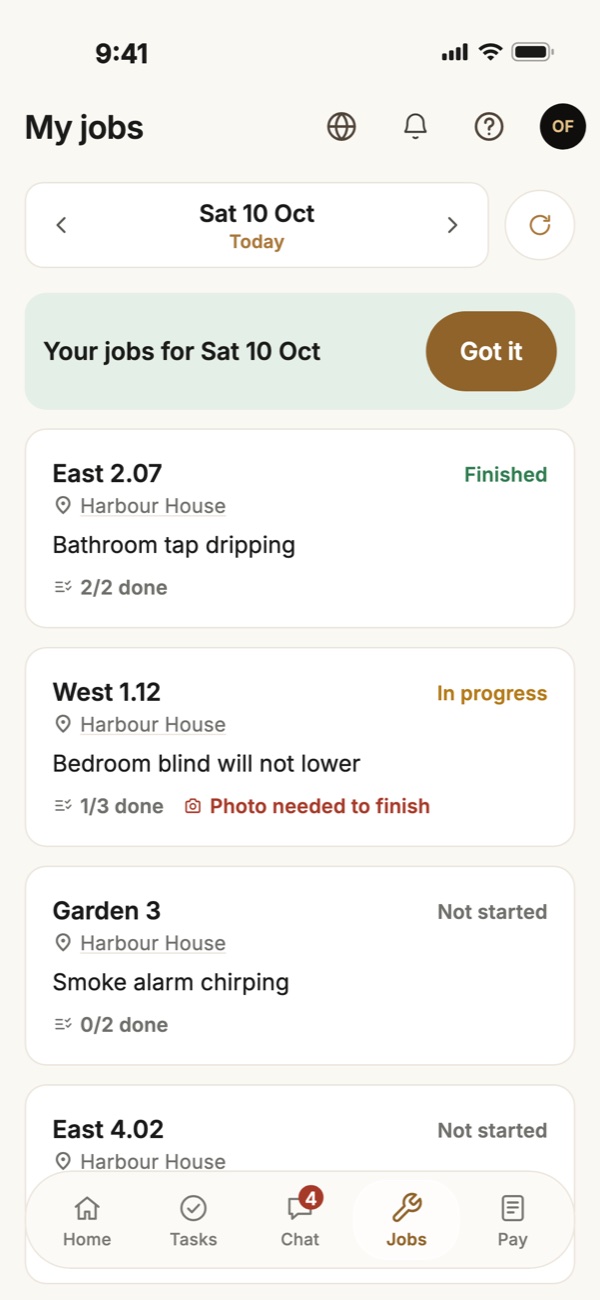
Maintenance
Jobs that show their own progress
What you get
- Jobs assigned to a person, with a place and a due day
- Progress updated from the phone
- Photos as proof of work before a job is approved
- Updates and photos posted on the job as the work goes on
For the floor
Chat
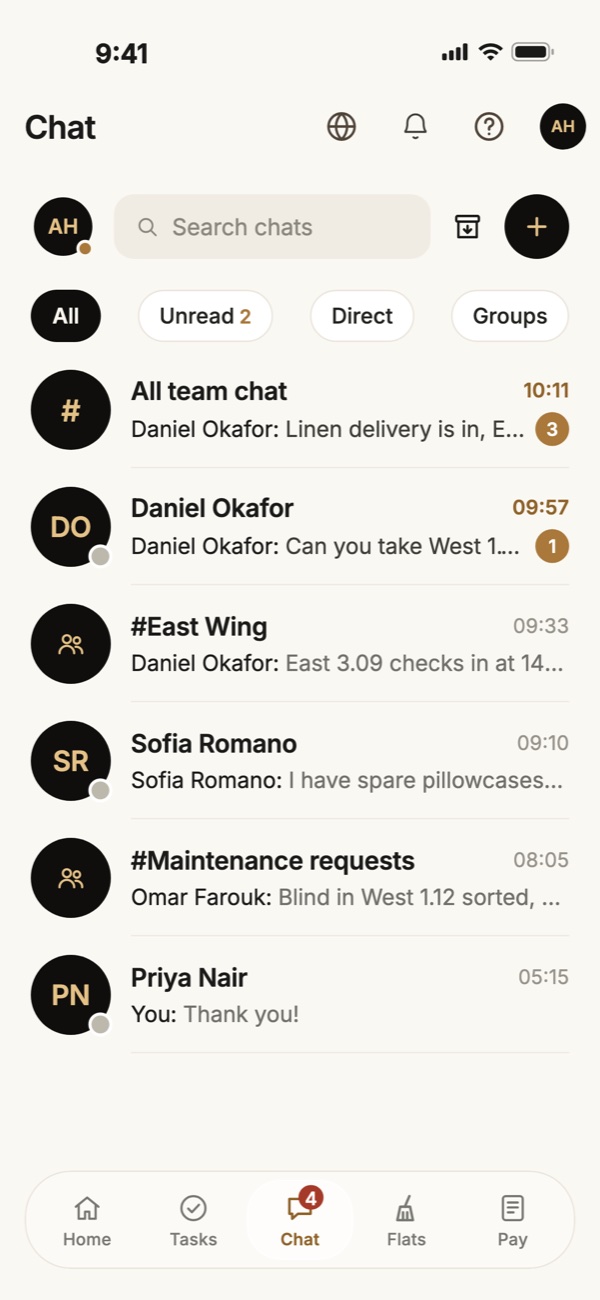
One place to talk, in any language
What you get
- A team chat and private chats
- Any message translated into your language with a tap
- Photos shared straight from the floor
- Voice notes, photos and files
For the floor
Stock and linen
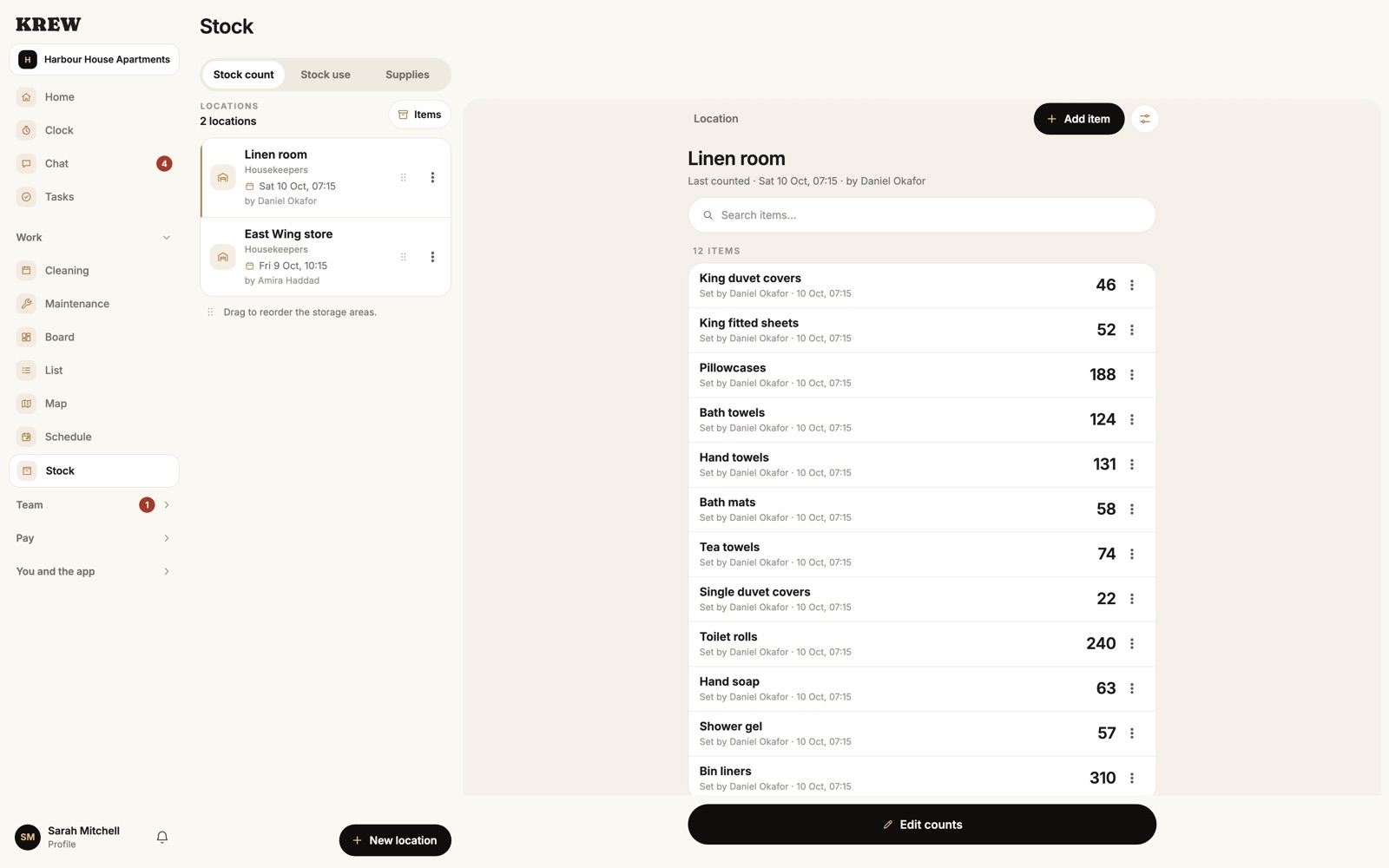
See the shortage before the day
What you get
- Counts of linen and supplies by item
- A warning when tomorrow's flats need more than you have
- Requests for stock, approved from the office
- A linen plan for each day's flats
For the office
Timesheets and pay
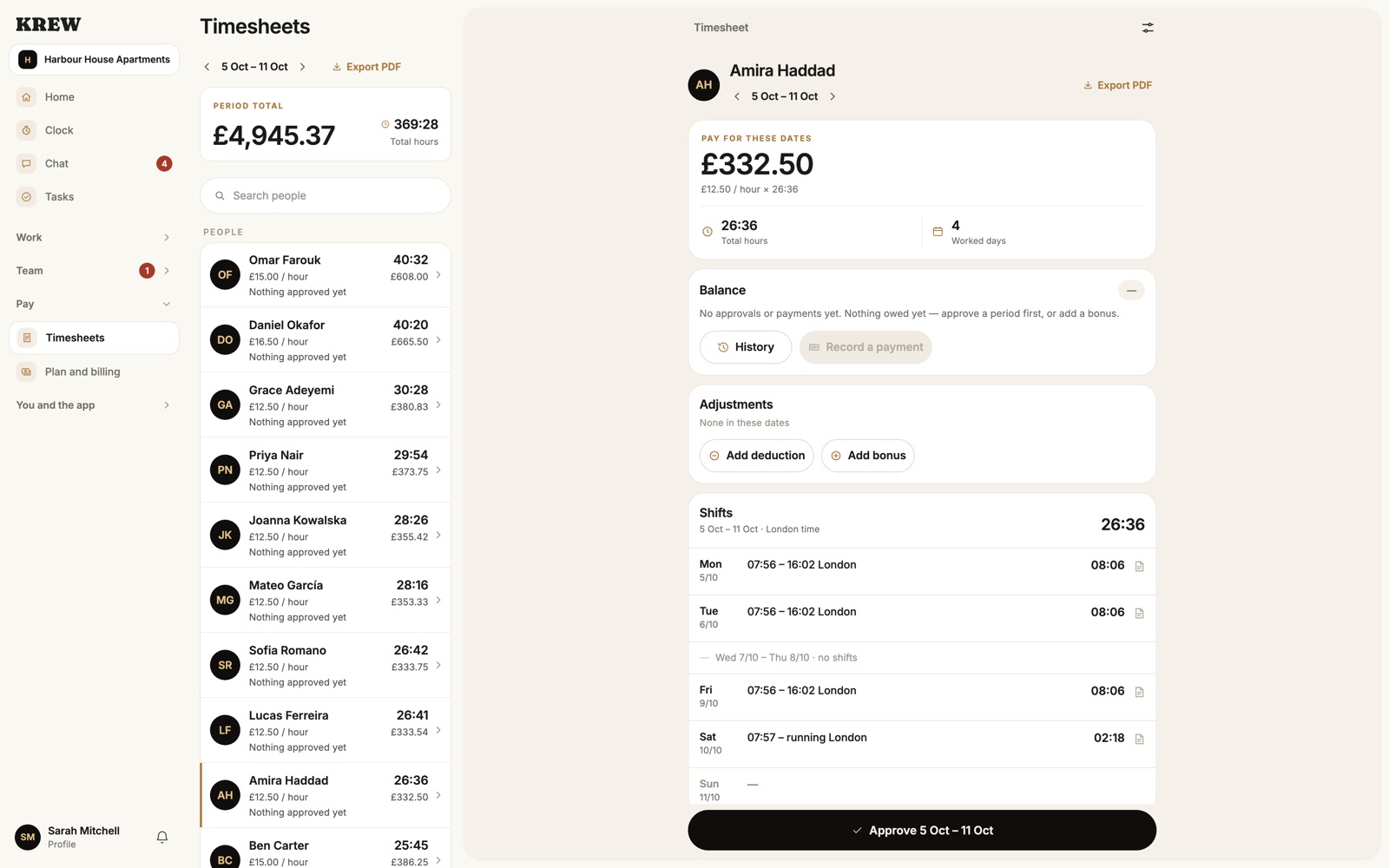
Hours in, payroll out
What you get
- Hours from the time clock, with each person's rate
- Approve a pay period once it is right
- Export a payroll PDF for your accountant
- Bonuses and deductions, kept with the pay period
For the office
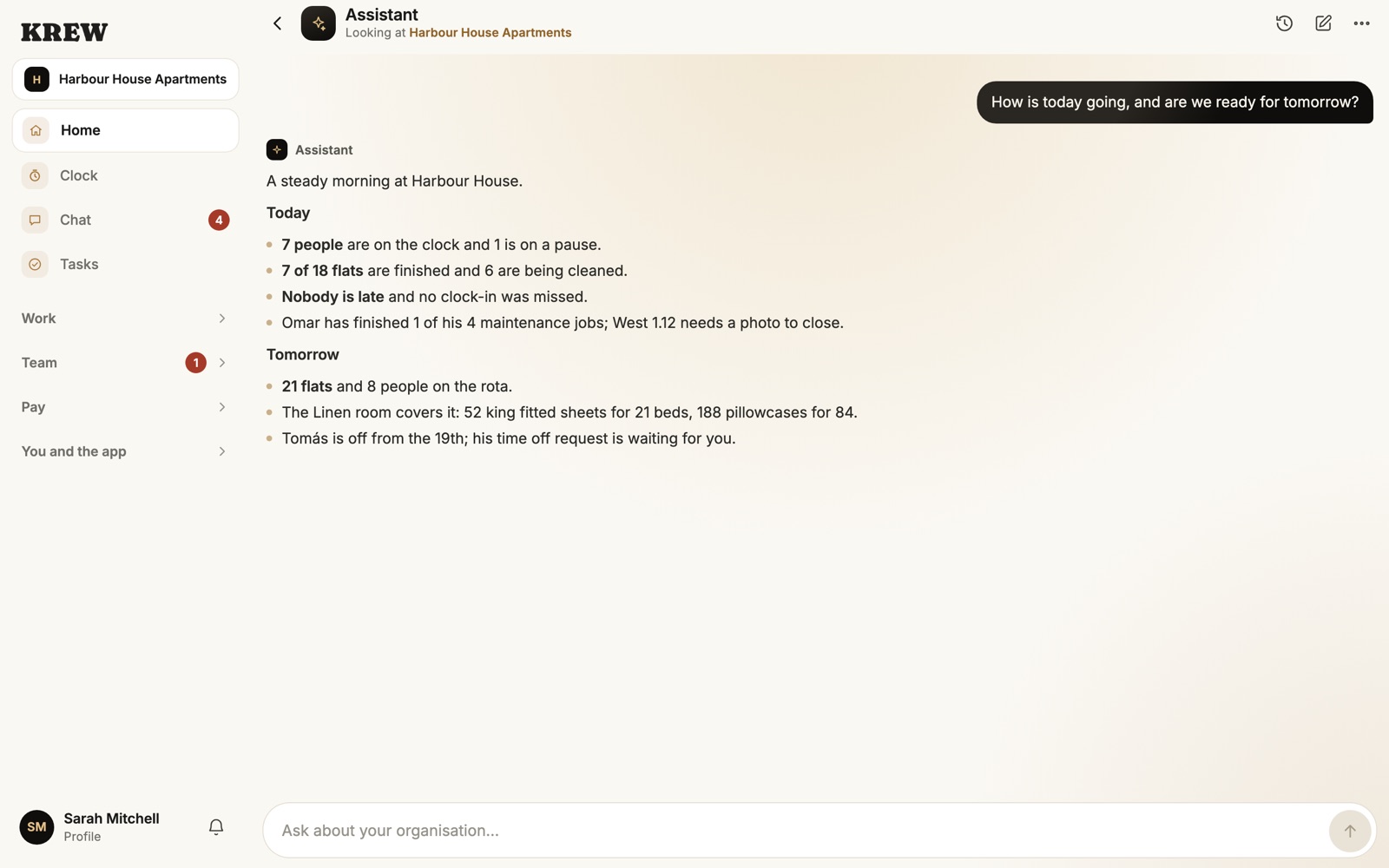
Assistant
Ask, and get the answer
What you get
- Ask “Who is late today?” and get names
- Answers come from your own team's data
- Ask about shifts, hours, flats and stock
- It sees only what the person asking is allowed to see
For the office